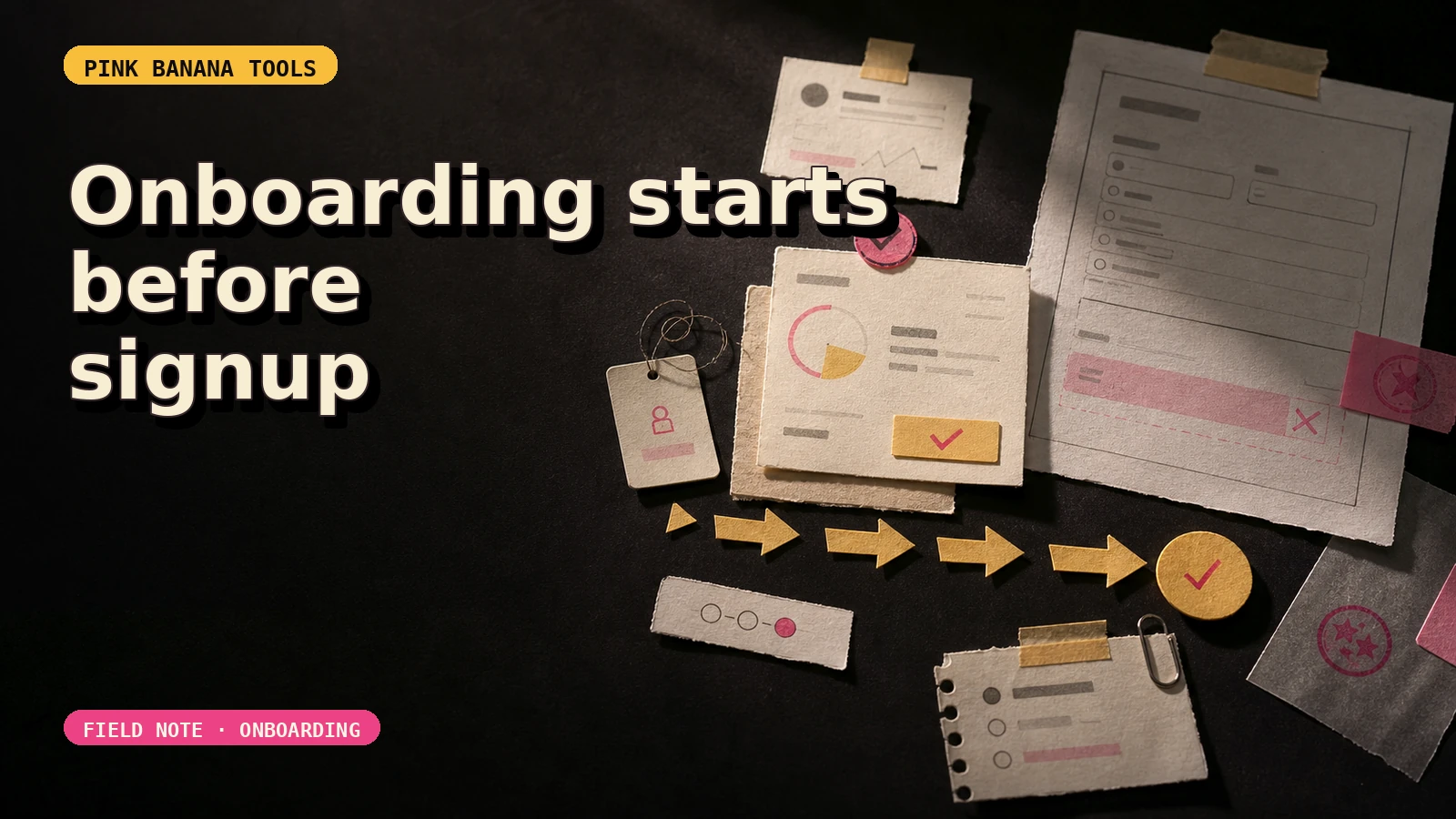
The new account has a welcome modal, a checklist, and five tooltips. Then the first CSV arrives with an unknown date format. The spinner stops. The tour has nothing useful to say.
Write a start-and-stop contract
Define the first session as a state change, not a tour. The start state names what the person has and which role they hold. The stop state names what appears on screen and how they can verify it.
Illustrative contract: Start when the operations manager has a customer-export CSV and authority to upload it. Stop when an overdue-invoice queue is visible, rejected rows have reasons, and no reminder has been sent.
This does not claim an activation rate, faster time to value, or better retention. It gives the team a sequence that can be tested. If “useful” is still disputed, write the exact evidence on screen and ask the intended operator to judge it in an authorised review.
Six frames, including the awkward one
Illustrative workflow, not a customer session or measured product result. The product below prepares invoice reminders from a CSV. The storyboard uses sample data.
- Prerequisite reveal. Before signup, name the required role, supported columns, data access, and whether sample data is available.
- Setup owner. One person creates the workspace. Team invitations and unrelated preferences wait.
- Input preview. The file is parsed without committing records. Recognised columns, unknown columns, and date assumptions are visible.
- Correction state. The operator maps “Balance due” and resolves or excludes dates the product cannot interpret.
- Verifiable result. The queue shows each overdue item and the source row. No message leaves the product automatically.
- Safe handoff. The operator may draft one reminder, invite finance, download rejected rows, or leave and return later.
The fourth frame is where generic onboarding collapses. Do not replace it with a progress animation. Real inputs create partial states, and partial states need ownership.
Attach labels and errors to the frame where they matter
WCAG 2.2 Success Criterion 3.3.2 requires labels or instructions when content requires user input. SC 3.3.1 requires detected input errors to identify the item and describe the error in text. SC 3.3.3 requires a known correction suggestion at Level AA unless that would jeopardise security or the purpose of the content.
Those criteria are checks to apply to the real interface; mentioning them does not establish WCAG conformance. For the CSV frame, inspect the actual experience:
- Does the file input have a persistent label and supported-format instructions?
- Does “Invoice date” remain associated with its mapping control?
- Does an invalid date identify the affected row in text, not colour alone?
- When a safe correction is known, does the interface suggest it?
- Can keyboard and assistive-technology users reach the error summary and return to the field?
The failure branch is part of onboarding
Draw the branch before adding another success-state tooltip.
| Failure | State to preserve | Recovery choices |
|---|---|---|
| Unsupported column | Original file and completed mappings | Map another column, leave it unused, or download the required schema. |
| Mixed date formats | Valid rows and the list of rejected rows | Correct, exclude, or download errors without committing anything. |
| Permission denied | Workspace and current step | Retry with the authorised account, ask the owner, or continue with sample data if available. |
| Partial import | Clear record of what was and was not committed | Undo where supported, retry only failed rows, or contact support with a safe reference. |
The support route should preserve context without attaching private customer data by default. Give the user a safe operation reference, current step, and their chosen contact route. Do not make a destructive reset the primary escape.
Ignore celebration screens, badges, a long preference survey, team invitations, and tours of features that are not required for the stop state. Also defer write permissions when the current frame only needs read access—unless the real integration or security model requires otherwise. The order is a design hypothesis to test, not a universal activation rule.
Review observations, not hoped-for outcomes
In an authorised session review, record the frame reached; prerequisite that was missing; input or control involved; error shown; action attempted next; result visible on screen; fallback chosen; and any support rescue required. Keep participant wording separate from your interpretation. Do not report an activation change without a defined event, observation window, denominator, and authorised data.
The release gate is the awkward path
First-session work is easy to postpone because every screen looks serviceable in isolation. Put the screens in sequence and ownership gaps appear. The missing piece is often the path between “your file is unusual” and “nothing has been lost.”
Approve the session only when one person can reach a verifiable stop state or leave through a safe recovery branch. If failure still depends on an undocumented support rescue, fix that path. Another tour step can wait.